(disclaimer: As of this writing, I am an employee of Samsung. The views expressed here are my own and do not represent the company.)
Mashrabiya originated in the Islamic world, with the earliest evidence of its current form dating to the 12th century in Baghdad during the Abbasid Caliphate. Geometric lattice patterns made from wood overlooking streets to cast a one-way private viewing space for the upper floors has always been intriguing and interesting to me.

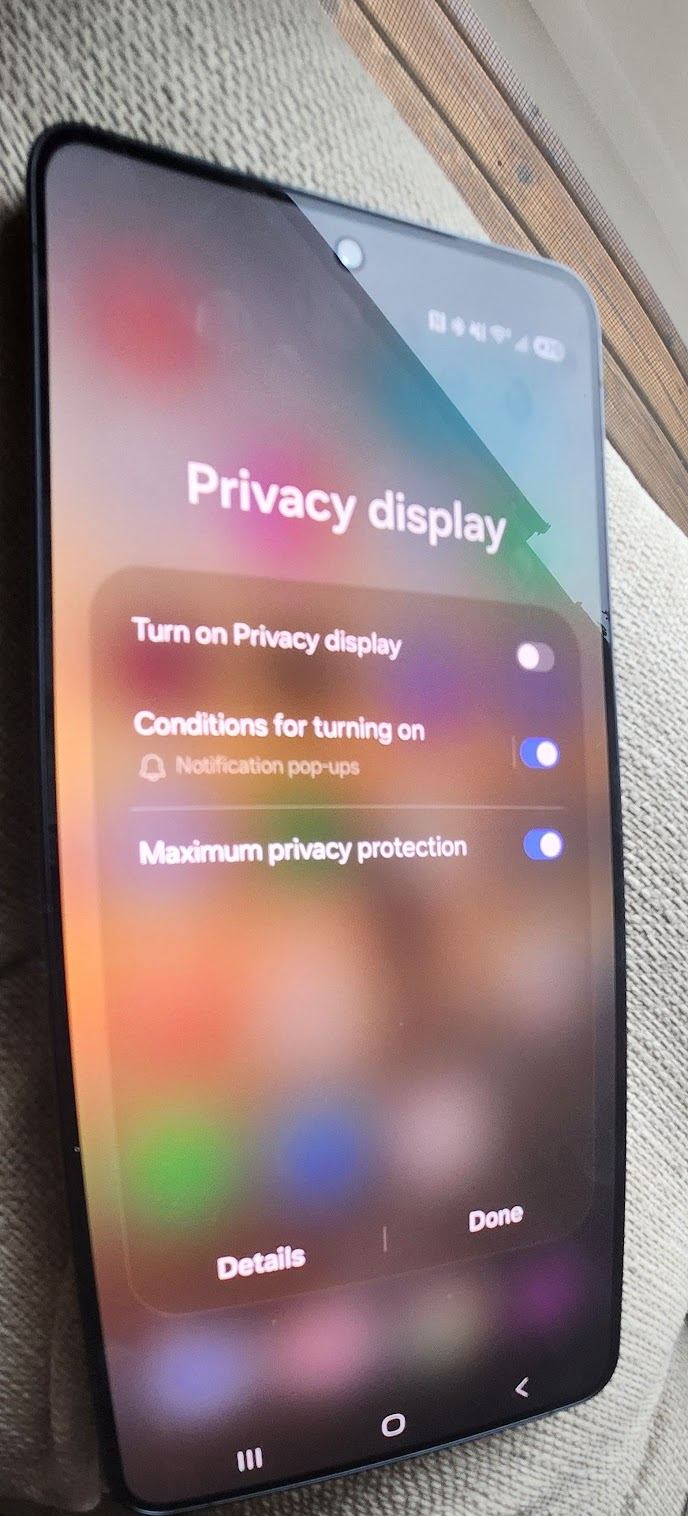
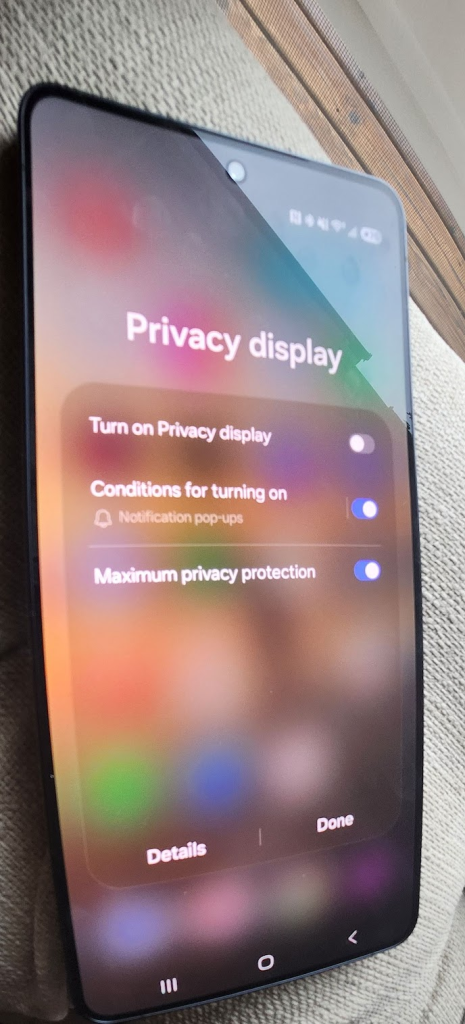
Playing around with the privacy feature on the Samsung S26 Ultra reminded me of the peace of mind that comes with having a private viewing space in public spaces. Unless you use the feature, you don’t realize the convenience of having a private viewing space in crowded places. Areas where you can view your screen without the need to look over your shoulder to see if someone is looking at your phone like its free Netflix while you are trying to complete that financial transaction or read that sensitive work email.
The Tech
- It’s a hardware-integrated feature and not a cheap sticker that peels away after a couple of weeks of use.
- Pixel-level privacy control that controls how light is emitted at angles.
- Hardware does the optical filtering.
- One UI provides the settngs and trigger rules.
When enabled, the panel restricts its viewing angle so that only someone looking almost dead straight at it sees a normal screen, while people to the side see a heavily dimmed or nearly black screen.
How does this work?
The usual sticker protectors are usually microlouver films that absorb or blocks light at steep angles while letting more light through near 90°angle.The privacy screen protectors are usually microlouver films bonded on top of the glass, essentially a microscopic venetian‑blind layer that absorbs or blocks light at steep angles while letting more light through near 90°. Once you put them on ,they cannot be switched off, and from my experience typically reduce brightness and sharpness since the layer dont discriminate between different angles and could just block light from more angles than desired.
The official press release indicates a matrix in the OLED panel controls the light diffusion limiting the light to frontal viewing when the privacy mode is on.The brightness ratio (how much light is blocked at different angles) is 3.5% at 45° and <0.9% at 60°.
The tech is brilliant and the implementation is seamless. A lot more technical details here :https://global.samsungdisplay.com/31429
While standing in a security line for over 3 hours this week at the airport ( a routine occurrence these days), I was able to stop nervously looking over my shoulder like a noir detective trying to avoid being caught in a compromising situation while reading confidential work emails.
Turn it on
There’s a few ways to toggle the privacy feature. Note the One Hand Operation+ app is a great add on if you want to customize swiping gestures.
- Method 1 – Double press the Side Key Assign Privacy Display to the side button’s double-press action via Settings → Advanced Features → Side Button → Double Press.
- Method 2 – Edge Swipe Gesture Use the One Hand Operation+ app to map a left or right edge swipe gesture (e.g., diagonal down) to toggle Privacy Display.
- Method 3 – Location-Based Automation Use Modes and Routines to automatically enable Privacy Display when you arrive at a specific location, and restore it to its previous state when you leave. (This is my favorite method)
- Method 4 – Quick Panel ToggleThe simplest method — a Privacy Display toggle is available directly in the Quick Panel for instant on/off access.
- There’s a few more ways to trigger it but the above are the ones that usually work for me.
Some of the noise in the blogosphere I noticed was around the display quality when the privacy feature is on in outdoor settings. My take is that while outside,the privacy display makes the screen noticeably dimmer, and with maximum protection on, side-angle visibility is almost completely lost — even for direct viewing and I did have to turn it off as squinting at the screen like Sherlock Holmes with astigmatism was not appealing. Playing a video with maximum protection enabled shows acceptable color quality though I dont really see the point in using it for general use.
Overall, the privacy feature is a major flex on the S26 Ultra and it is the digital mashrabiya of our times. I’d suggest it to anyone who values privacy by design in the era of prying eyes.